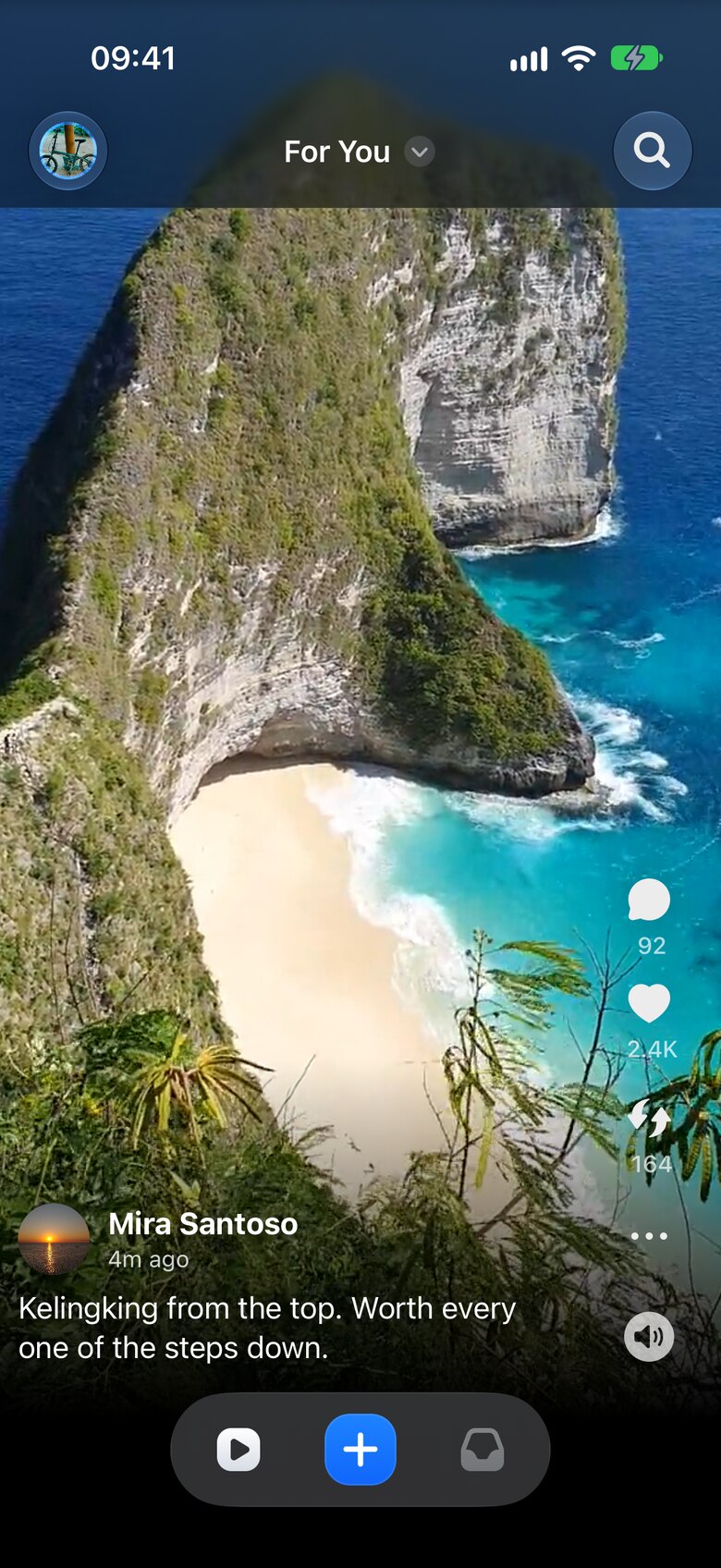
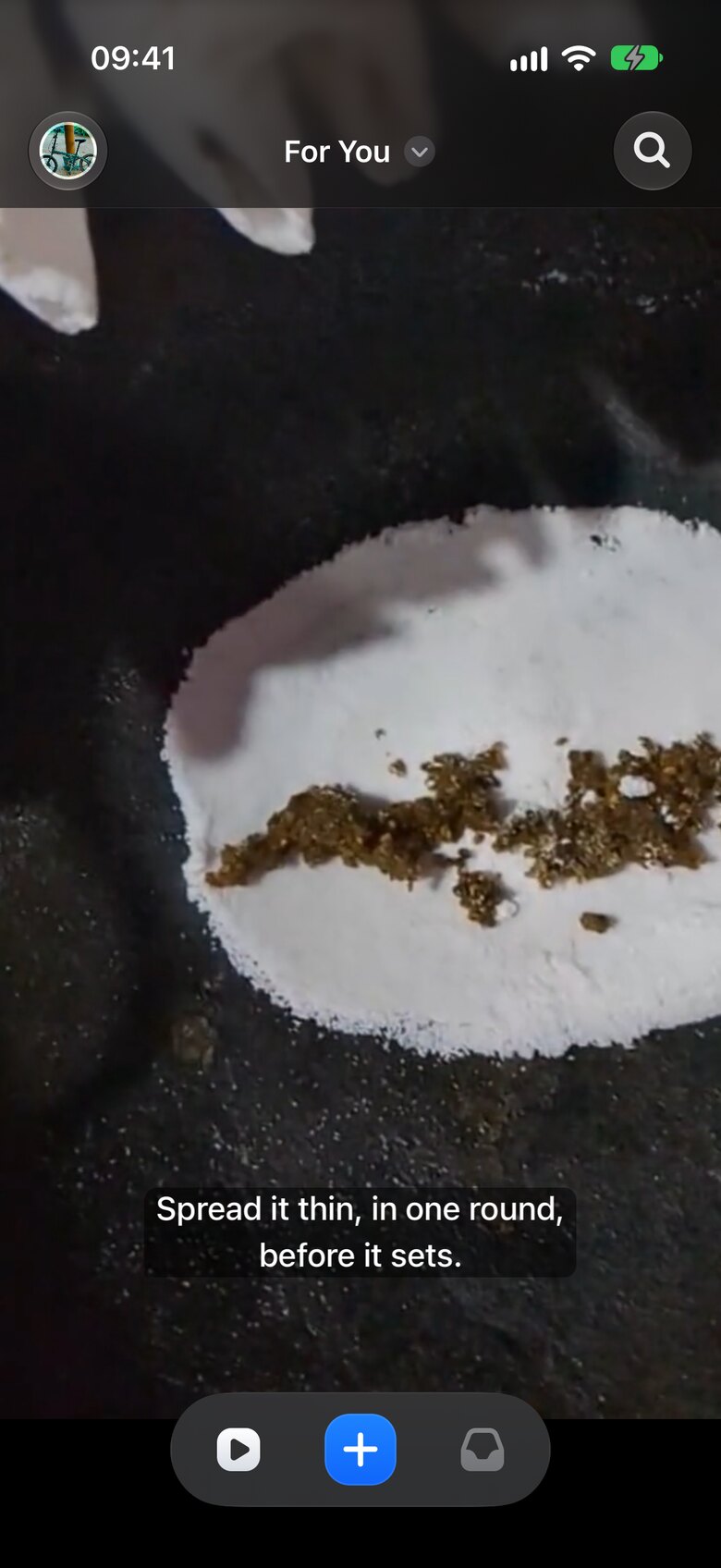
Subtitles, written on your iPhone.
Every clip you post can carry subtitles, written on the device as you record, so nothing leaves your phone to be transcribed. They show whenever the sound is off, and VoiceOver works everywhere in the app.
 Blinky
App Store
Blinky
App Store
Short video for Eurosky and Bluesky
Hold the + button to record, let go, and Blinky posts the clip: one live take, straight from the camera. Ten seconds to change your mind, subtitles written on your iPhone, and a For You feed that learns what you like.
How it works
Press and hold the + button. Blinky records up to 20 seconds of live video, back camera, front camera, or both.
Release, and the clip is on its way. A ten-second countdown gives you time to cancel; swipe, and it's gone.
It uploads in the background, progress on your Lock Screen. Subtitles are written on your iPhone and go with the clip.
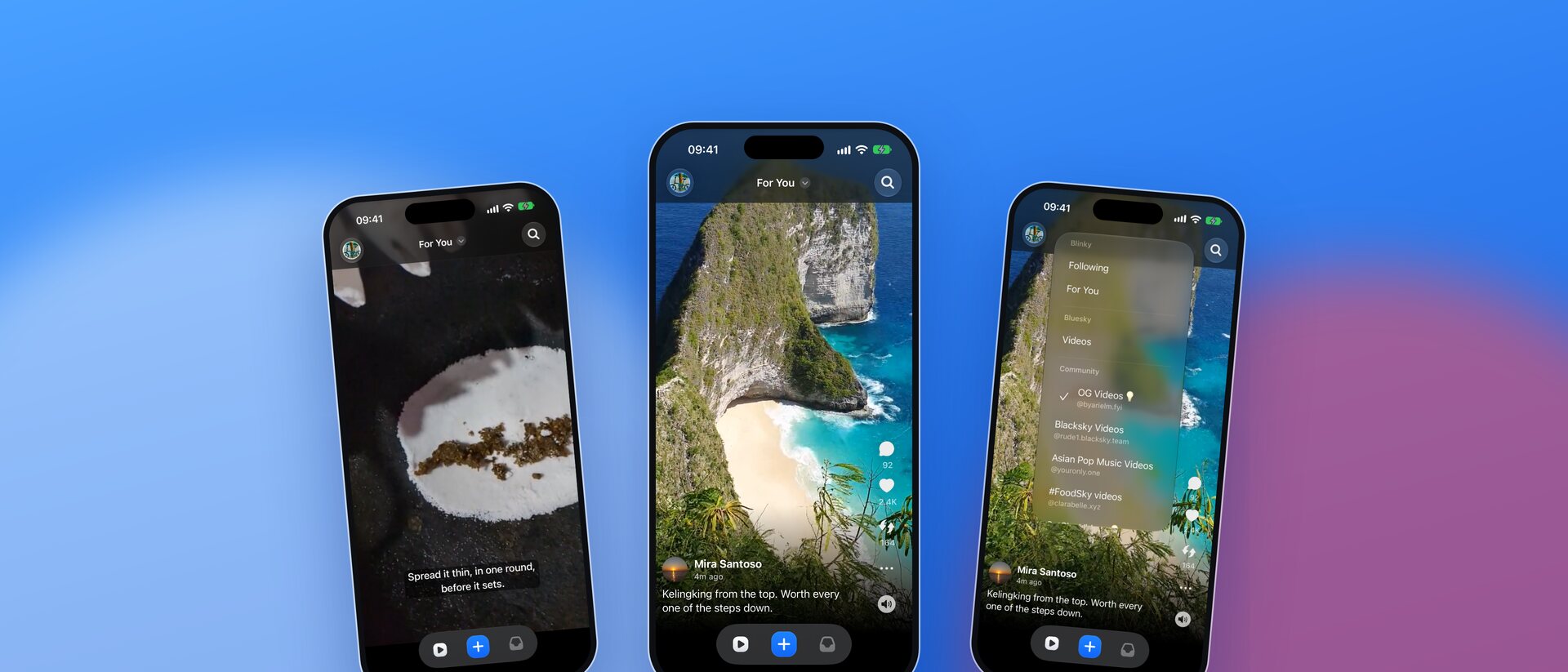
Every clip you post can carry subtitles, written on the device as you record, so nothing leaves your phone to be transcribed. They show whenever the sound is off, and VoiceOver works everywhere in the app.
Feeds
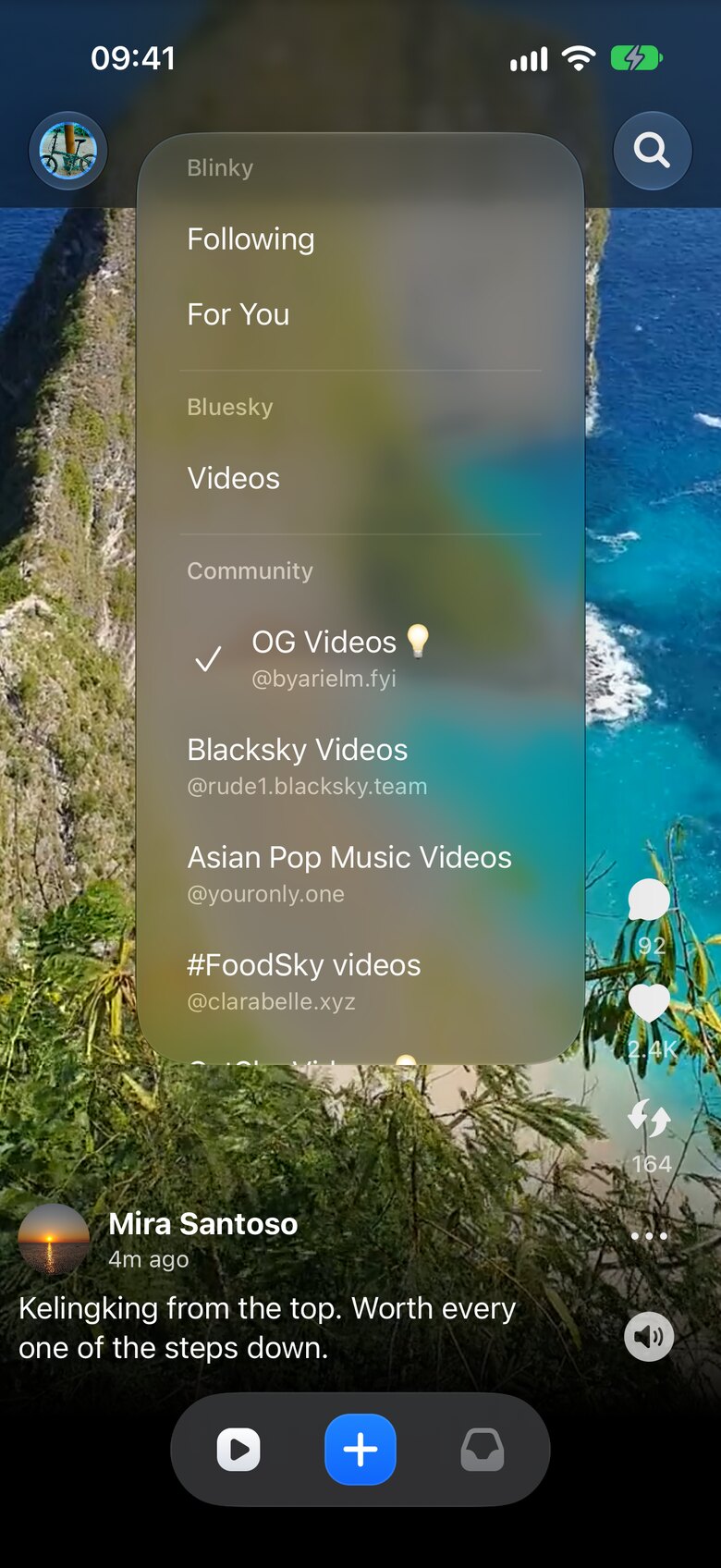
For You learns from your likes. Following shows the people you chose. Bluesky's own video feed and the community's, from OG Videos to CatSky, are in the same menu. No algorithm you can't switch off.